The Library: list, board and gallery views
The Library holds every item in your workspace, whether or not it's planned for a day. Think of it as your collection of things you do, which you can plan again and again.
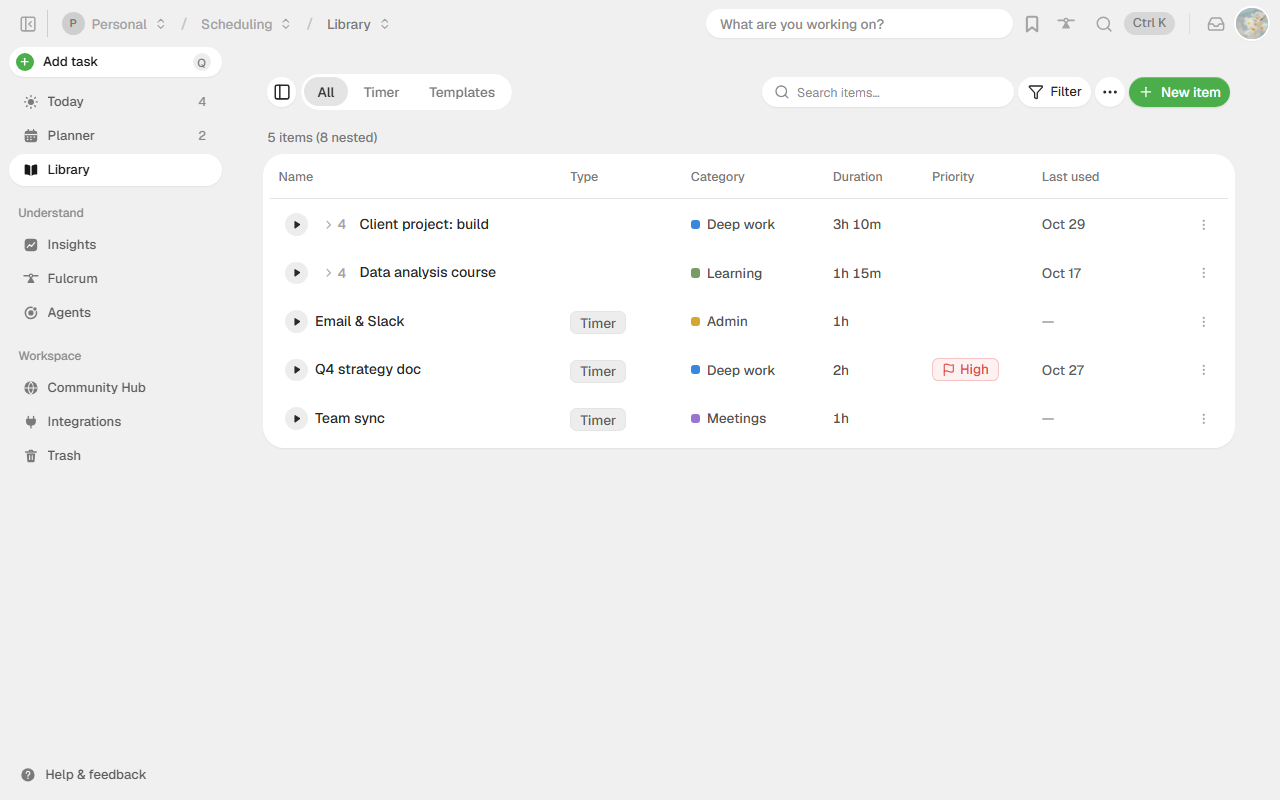
Open it
Click Library in the sidebar. The tabs at the top filter by type, and the last one holds your Templates. Your categories are in a side panel you can open with the button beside the tabs.
Choose how items look
Open More options (⋯) and under View pick:
- List: compact rows, good for long collections.
- Board: columns, one per group, like a kanban board.
- Gallery: cards with more detail.
Find items
- Search by name.
- Filter by category or type, and Sort by name, date created, last updated or duration.
- Reset filters brings everything back.
Add items
- New item creates an item with all its settings.
- Quick draft adds one with just a name, to fill in later.
Related
Did this answer your question?