Notifications and sounds
Choose which notifications you get. These settings apply to all your workspaces. Open Settings → Notifications.
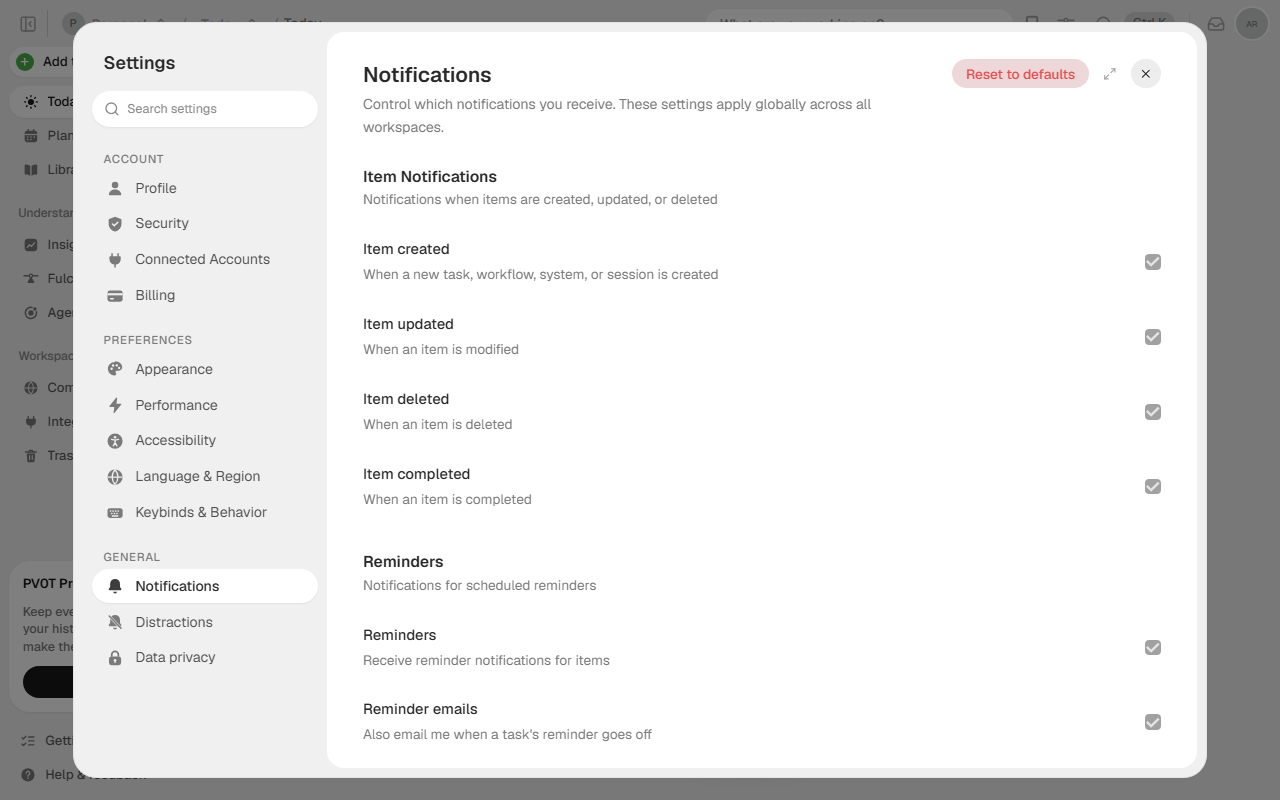
What you can switch on or off
- Item notifications: when an item is created, updated, deleted or completed.
- Collaboration: invitations to shared sessions, and when a session starts.
- Reminders: reminders for your tasks, plus Reminder emails to also get them by email.
- Agents: Evening follow-ups, the Weekly summary, and Weekly summary by email.
- Fulcrum Accountability: Accountability check-ins and how often they happen.
Reset to defaults puts everything back.
Sounds
A short sound plays with each notification banner. Turn it off with Notification sounds in Settings → Keybinds & Behavior.
Your inbox
All notifications collect in the Inbox in the top bar, where you can read, mark and clear them.
Related
Did this answer your question?