Chat one-on-one with Fulcrum
Talk to Fulcrum on its own page, or open it beside whatever you're doing.
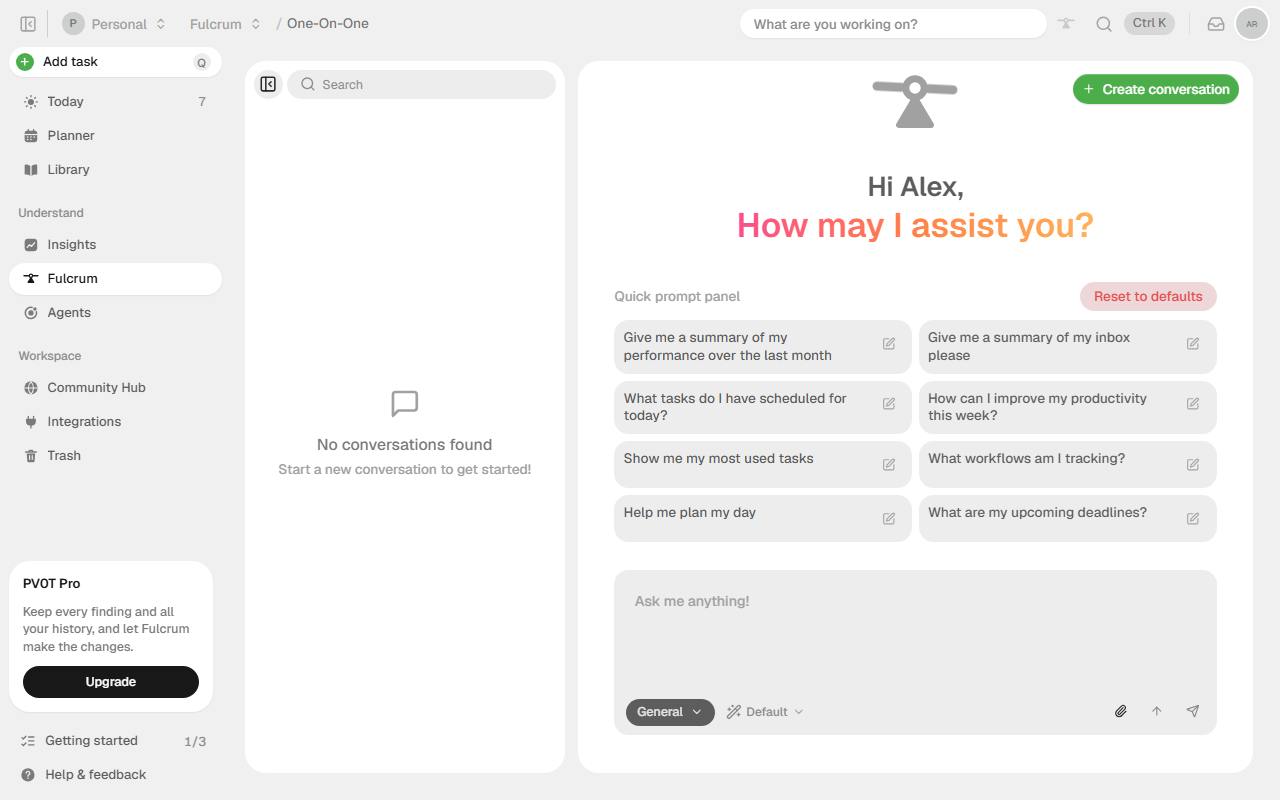
On its own page
- Open Fulcrum in the sidebar.
- Type your message and press Enter (or click Send).
Click New conversation to start fresh. Use the quick prompts for common requests; you can edit them or reset them to the defaults.
Beside your work
Click the Fulcrum button in the top bar. It opens in a side panel, so you can keep your plan in view while you talk. To continue the chat on the full page, click Open in One-on-One.
Choose a mode
Under the message box, pick whether Fulcrum may change things. See Choose how Fulcrum works.
While Fulcrum answers
- Stop generating halts a long answer.
- Copy an answer, or edit and resend your message.
- Attach a file with the paperclip to ask about it.
- The counter under the message box shows how many AI tokens you have left this month.
Related
Did this answer your question?