Do your first 3-minute focus session
The guided first session shows you the whole idea of PV0T in about three minutes: add a task, time it, finish it, and see your first insight.
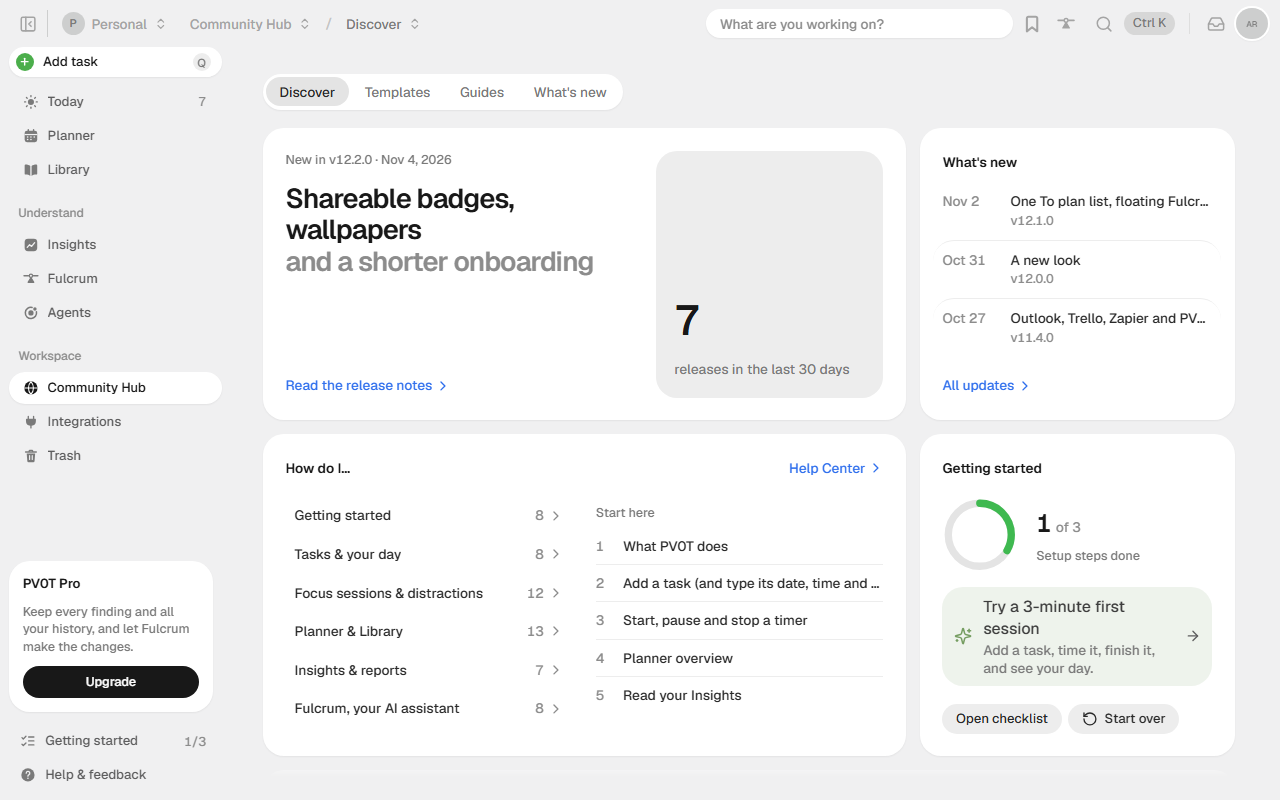
Start it
- New accounts land on it automatically after onboarding.
- To run it again later, open Community Hub in the sidebar and click Try a 3-minute first session, or use the same button in the Getting started checklist.
The steps
- Name a task. Type what you'll work on for the next few minutes, or pick a suggestion like "Answer two emails", then click Add task. It goes on today's list.
- Start the timer. Click Start timer and work on the task. PV0T measures how long it really takes.
- Work, then finish. If your phone buzzes or someone interrupts you, tap the phone button next to the timer (or press D). When you're done, click Finish.
- See your first insight. Your day summary shows the time you tracked. Keep timing your tasks for a few days and Insights starts showing your patterns: where you overrun, when you get pulled away, and what you actually finish.
Good to know
- You can click Skip at any point. Nothing you did is lost.
- If you stop the timer by accident, start it again whenever you're ready.
Related
Did this answer your question?