PV0T 12.1: one To plan list, and a Fulcrum that floats
Every task without a day in one place, new tasks that start on Today, and a revamped Help Center.
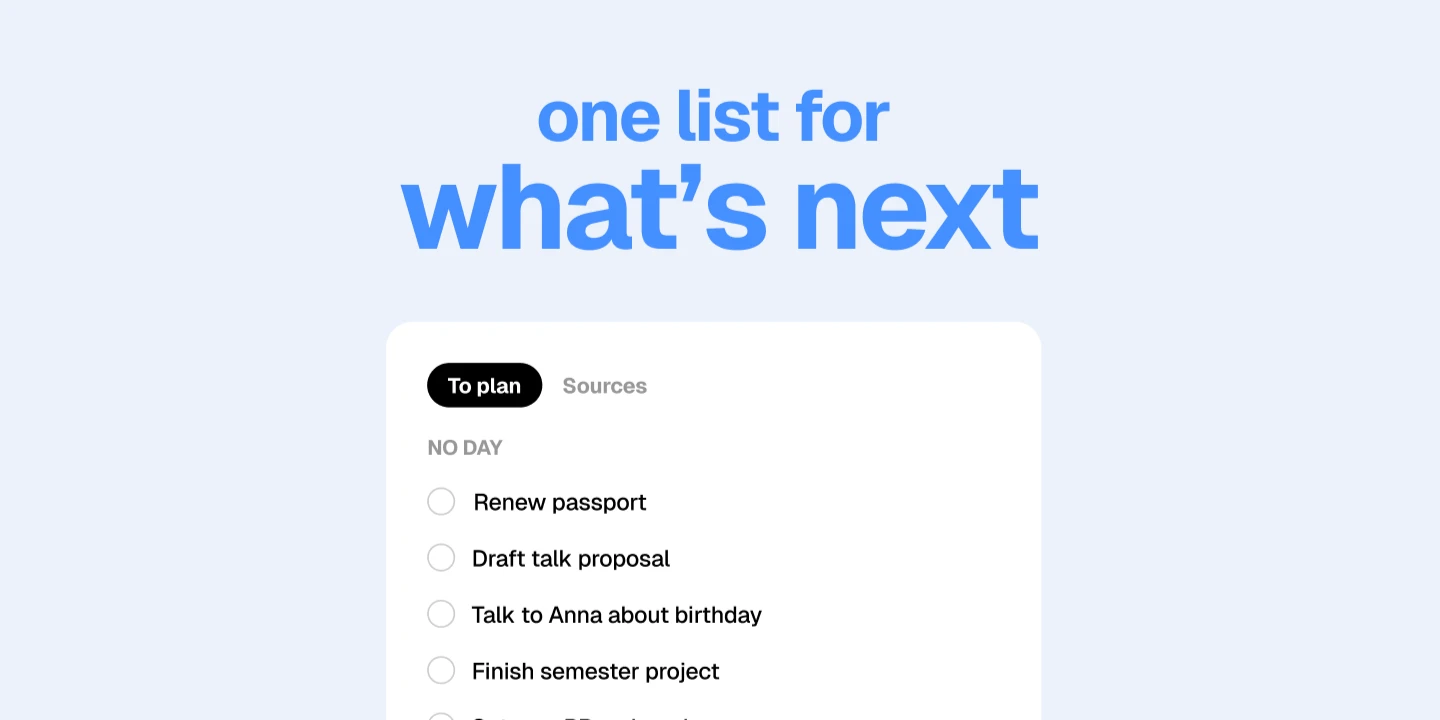
A good plan starts with knowing what's waiting. PV0T 12.1 puts everything that still needs a time in one list, and smooths out a lot of small edges.
One To plan list
The Planner's side panel now has a single To plan list: tasks without a day come first, then each day's untimed entries. New tasks start on Today instead of landing without a day, so fewer things get lost.
Grouped entries now show the names of what's inside them, and when you open an entry whose time has passed, the main button is Mark as done rather than Start.
Fulcrum, floating
Fulcrum's panel now floats beside your page as its own card. When Fulcrum moves or removes something on your Planner, the change also reaches your linked Google, Outlook or Notion calendar, exactly as if you'd made it yourself.
Today, your way
If you'd rather keep Today minimal, you can now hide its picture, or just the style switcher, in Appearance settings.
For builders
Access tokens are easier to set up: the REST API comes first, with MCP on its own tab, and there's a new endpoint for scheduling.
A better Help Center
We rewrote much of the Help Center: corrected navigation, 13 new articles, and fresh screenshots that match the redesigned app.
The full list of changes is in our development updates, under v12.1.0.