PV0T 11.3.0: repeating plans that behave, and integrations for everyone
Change one occurrence or all of them, connect Slack, Todoist, Toggl and Google Drive on any plan, and choose how Fulcrum works with you.
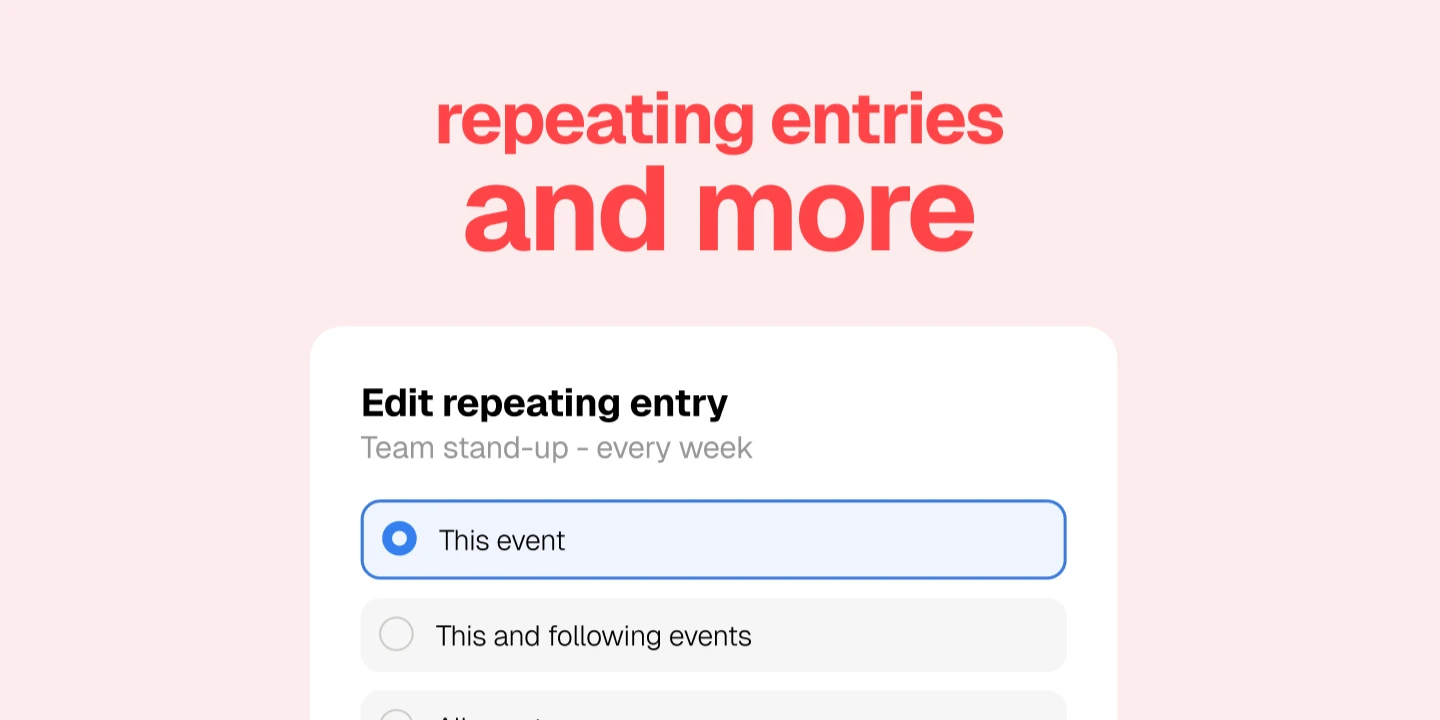
Real weeks are rarely tidy. The Monday stand-up moves to Tuesday once, the gym slot shifts for a week, a recurring task needs a different length on Fridays. PV0T 11.3.0 makes those exceptions easy.
Repeating entries, the way calendars should work
When you move, resize or edit a repeating entry, PV0T now asks whether you mean this event, this and the following events, or all of them, just like Google Calendar. Each occurrence can keep its own name, length, category and notes.
The same care applies to the Library. Change an item there and PV0T asks whether its scheduled entries should follow. Entries that have drifted from their Library item are marked, and you can update them from the Library or save their changes back to it.
Integrations on every plan
Slack, Google Drive, Todoist and Toggl no longer need a paid plan. Every integration also has its own page now, explaining what it does, exactly what PV0T can access, and how to set it up. Claude, Codex, Gemini CLI and other MCP clients each have their own setup guide too.
Fulcrum, in four modes
Fulcrum, our AI assistant, now has modes. Default works as before. Ask and Research only read your data, never change it. Plan suggests changes to your schedule and makes none until you say yes.
Desktop app
The floating clock has a new look and stays clickable after it hides. We also fixed a loop where Restart to update could keep reinstalling, and links to other sites now open in your browser.
The full list of changes is in our development updates, under v11.3.0.