New · Apple Watch and iPhone
A tool that works everywhere.
Now on your wrist.
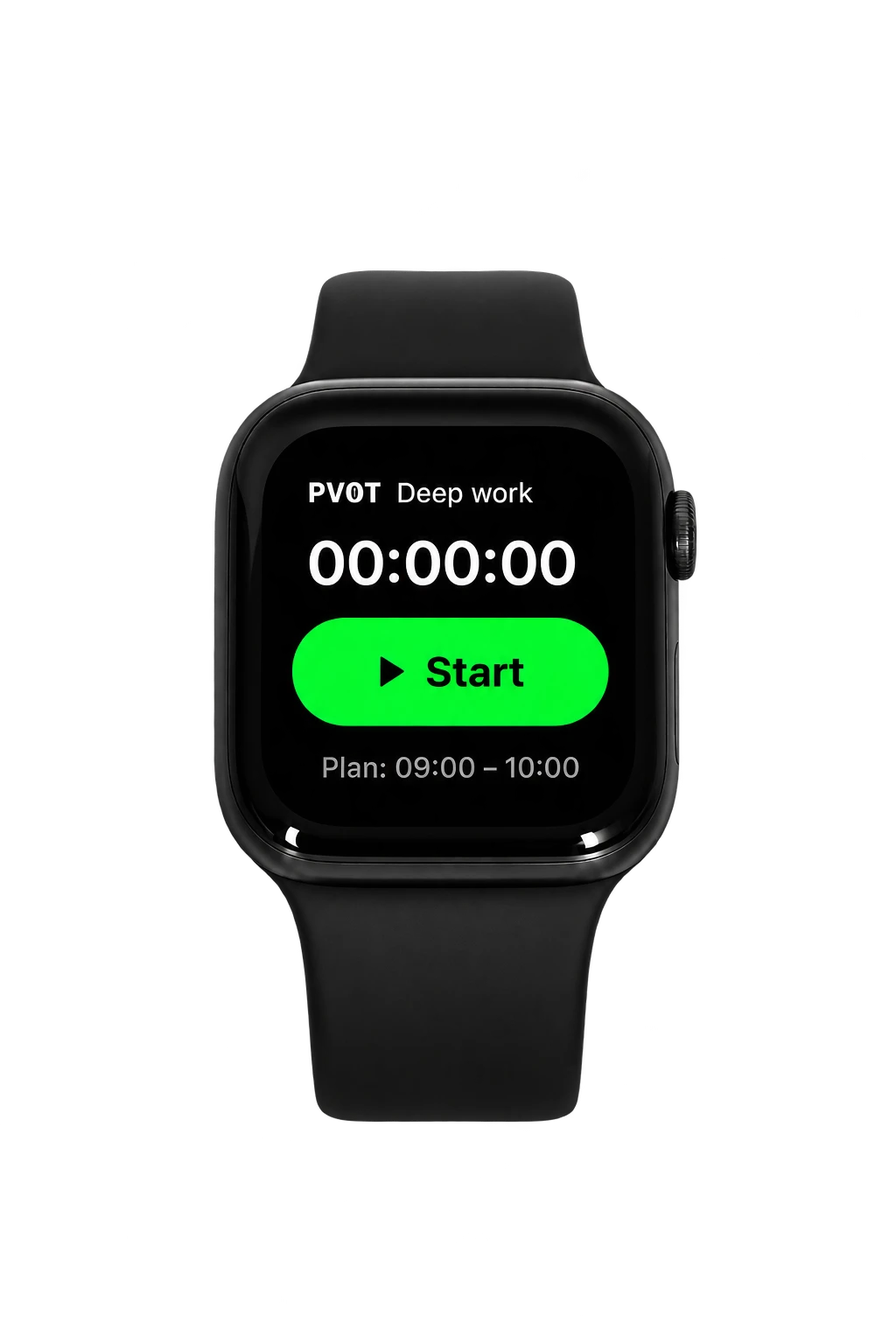
Your goals don't stay at your desk, so PV0T doesn't either. What you do on your Apple Watch lands next to everything you plan and track, so you see why your goals slip, and fix it.
Your day, from every device.
- Deep workDesktop app · 09:04 – 10:511h 47m
- EmailBrowser · 11:10 – 11:4232m
- GymApple Watch · 18:02 – 18:5856m
Why Friday's gym keeps slipping.
3 of your last 4 Friday sessions didn't happen. Each time, work ran past 17:30 and the 18:00 slot was gone.
One change for next week.
It's the plan you lose most often, and it always loses to work that runs late. Your Friday mornings are free, so a 07:00 session has nothing to compete with.
On your watch face
A complication you tap without opening anything, or the Action button on Apple Watch Ultra.
On your iPhone
A Home Screen icon, or the Action button, for when your phone is already in your hand.
With Siri
Say the shortcut's name when your hands are busy.
Setup
Set it up once. Then forget about it.
It runs on Apple's Shortcuts app, already on your iPhone. A few minutes, one time.
Get your access token
In PV0T, open Integrations, choose Apple Watch & iPhone and create an access token for your watch.
Add the PV0T Timer shortcut
Follow the steps on that page in the Shortcuts app, and name the task it times, like Deep work.
Put it on your wrist
Add it to your watch face or the Action button. That's it.
It counts like any session.
Even away from your desk.
A tap from your wrist lands on the task you named, counts toward the plan you made for it, and shows up in Insights. The gym session and the library hour finally sit next to everything else.
Questions
Do I need to install an app?
No. It uses the Shortcuts app that comes with your iPhone, and runs on your Apple Watch from there.
What do I need?
An iPhone with the Shortcuts app, an Apple Watch if you want it on your wrist, and a PV0T account.
Can I track more than one thing?
Yes. Make a copy of the shortcut for each thing you track, like Deep work or Gym. A task that doesn't exist yet is created the first time.
Is there an Android version?
Not yet. A native iPhone app comes first.
Everything in one place. Including why.
Free to start. Connect your Apple Watch in Integrations once you're in.
Start free